1
Click Download button
Hit the “Download for Windows” button below.

Get the PariPulse app for PC free, built for Windows and macOS. Enjoy live casino, roulette, slots, table games, and sports betting in one place. Click to download PariPulse for Windows or Mac for full-screen play, faster loads, and fewer lags than most browsers.
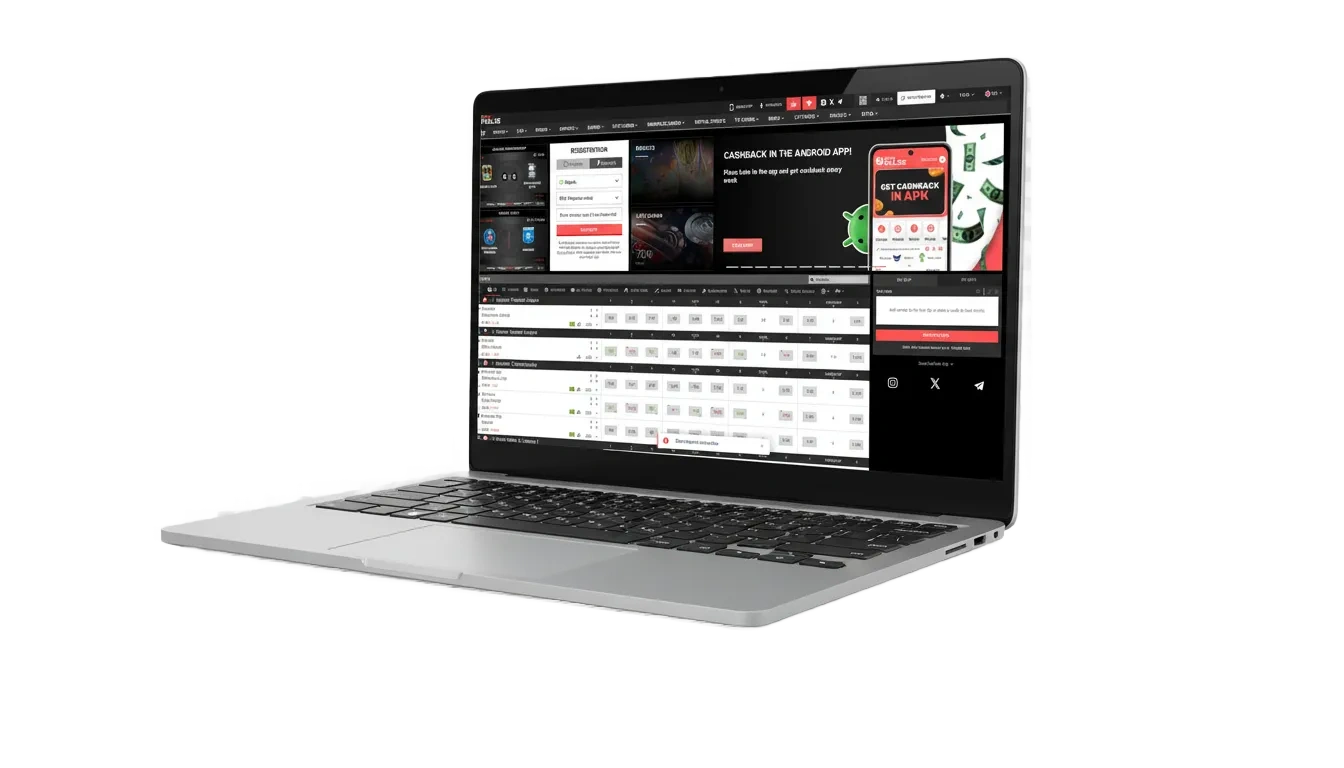
PariPulse PC client delivers stable betting and casino play, faster page loads, smoother live odds. See the quick facts below.
| Available Languages | English (Nigeria), English, Français |
| Category | Sports Betting, Online Casino, Live Casino, Slots, Table Games, Virtual Sports |
| Compatible with Windows | Windows 10 (64‑bit), Windows 11 |
| Compatible with macOS | macOS 12 Monterey or later (Intel and Apple silicon) |
Thinking about installing the desktop client? Here is a quick look at the key pros and the few cons.
| Pros | Cons |
|---|---|
| Faster loading than many browsers on Nigerian networks | Needs installation and storage space |
| Full-screen interface for slots, roulette, and live casino | Updates may require a quick restart |
| Stable live odds updates for in-play betting | You can only play on that computer |
| Quick login and stay signed in on your computer | |
| Keyboard shortcuts and desktop notifications | |
| Lower data use than opening many browser tabs |
PariPulse for Windows runs on most modern laptops and desktops. Minimum system needs: Windows 10/11 (64‑bit), 4 GB RAM, 1.5 GB free space, and a stable internet connection.
Hit the “Download for Windows” button below.
Choose a folder and save the installer (.exe).
Double‑click the file to start setup.
If SmartScreen appears, select More info > Run anyway.
Pick your install folder and continue.
Complete setup, then open the desktop app.
Sign in to your account or create a new one.
The Mac app supports Intel and Apple silicon devices on macOS 12 or newer. Installation takes a few minutes.
Select “Download for Mac” below.
Double‑click the downloaded .dmg file.
Drag the app into the Applications folder.
Open from Launchpad or Applications.
If blocked, go to System Settings > Privacy & Security > Open Anyway.
Login or complete registration to start.
PariPulse updates bring new games, fixes, and better stability. Keeping the app current helps performance and security.
Click the desktop icon to access the betting site.
Go to Menu > Settings > Check for updates.
Approve the update and wait for completion.
Relaunch the app and login again if asked.
Create your account in the desktop app to access betting, casino games, local payments, and personalised limits.
Phone number, email, or supported social login.
You do not need the PC app to enjoy the platform. The official website gives you betting and casino play on any computer browser. Your account, bets, and wallet stay the same across devices. If you prefer no downloads, just use the site and start playing.

You can get quick help on desktop whenever you need it. Support covers account issues, payments, login, and game questions.

Features are the same; you use the same login, account, and wallet across both.
Data use is similar, but the app avoids heavy browser overhead, which may save some data.
Yes, you can access your account on multiple devices, but avoid sharing your credentials.
Using a VPN can affect verification and payments; connect from Nigeria for the best experience.
On Windows: Settings > Apps > Uninstall. On Mac: Drag the app from Applications to Bin, then empty Bin.
Updated: